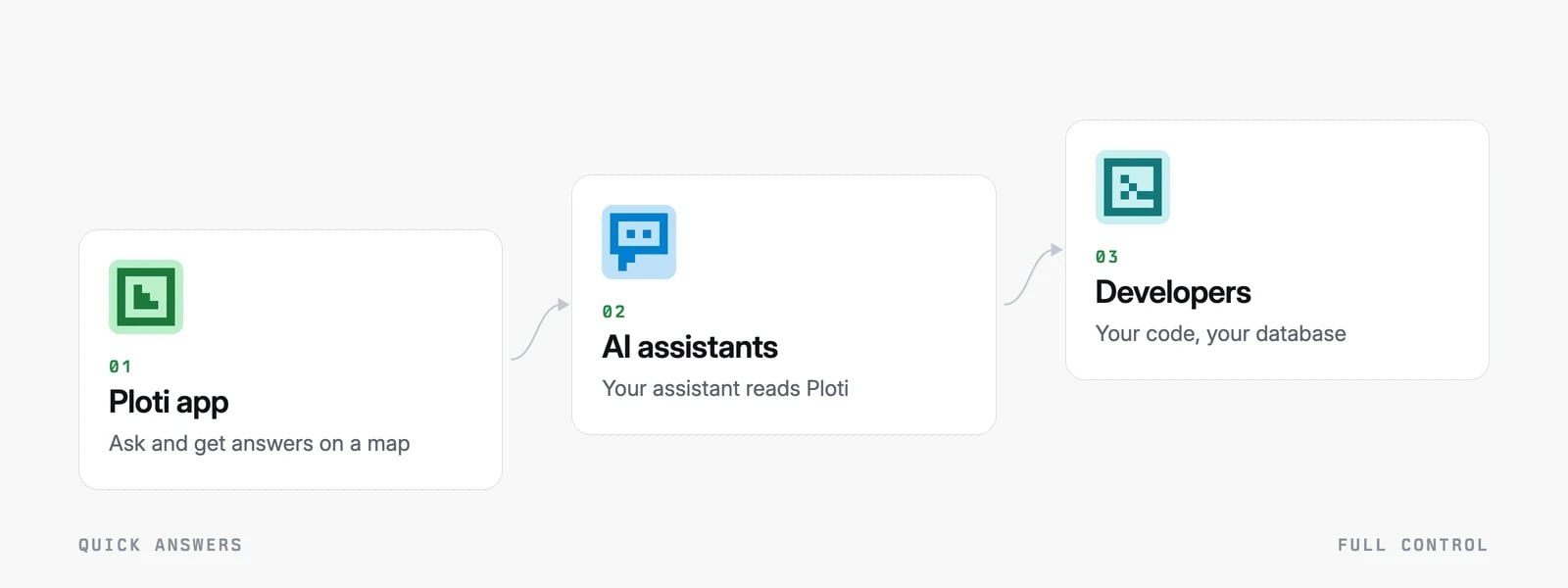
There are three ways to use Ploti’s official real estate records. Use the Ploti app for quick answers with nothing to set up. Connect the AI assistant you already use, such as Claude or ChatGPT, to keep working there. Use the developer tools when you want the records in your own database. All three read the same records for the same counties: Ploti is priced per US county, and you pick yours when you sign up. Three steps rising from quick answers to full control: the Ploti app, AI agents, and developers Three steps rising from quick answers to full control: the Ploti app, AI agents, and developers

Ploti app: quick answers

You work in Ploti’s own website or desktop app.
  • For a big question, you file a research request. You describe what you want to find out. Ploti collects any data it lacks from the official sources, answers, and emails you when it’s done.
  • For quick questions and follow-ups, you chat beside a map with the map agent, the AI assistant built into the Ploti app. It reads the records, highlights matching parcels on the map, looks up ordinances, and saves results you can download.
Good for: “Show me vacant parcels over 5 acres zoned for residential use in Orange County, Florida,” answered on a map within minutes when Ploti already has the county’s parcels and zoning. Start with the Quickstart.

AI agents: your own assistant

You keep using an AI assistant such as Claude, ChatGPT or Gemini, and give it access to Ploti. It then finds and reads Ploti’s records, answers with the source attached, can show results on a Ploti map, and can ask Ploti to collect missing data. How it connects depends on the assistant:
  • Claude, ChatGPT and Gemini use a connector, an add-on you turn on in the assistant’s settings.
  • Assistants that run tasks on their own computer, such as Muse, set themselves up. You send one chat message with a link to Ploti’s setup instructions.
  • Coding agents such as Claude Code, Codex and Cursor use Ploti’s command-line tool to download records and build with them on your computer.
Good for: working alongside your own documents and notes, in the conversations you already have. Start with AI agents.

Developers: full control

You or your engineers use Ploti’s command-line tool, Python library and web API. You can download whole datasets as files. A dataset is one table of records, such as a county’s parcels. Data Feeds, a subscription that comes with every Ploti plan, keeps that copy current. Each time a source changes, Ploti publishes a new file for the dataset and calls a web address you give it, so your system knows to fetch it. When your system needs the records in a set shape, a custom feed delivers a table built to the schema you describe. Good for: a product, an internal tool or an automated workflow built on Ploti’s records. Examples are a deal-sourcing platform that scores every parcel each night, a lender watching its loans for ownership changes, and a coding agent that screens sites and puts the matches on a map. Start with Build with Ploti. What people build has more examples, and when each way of working fits.

Side by side